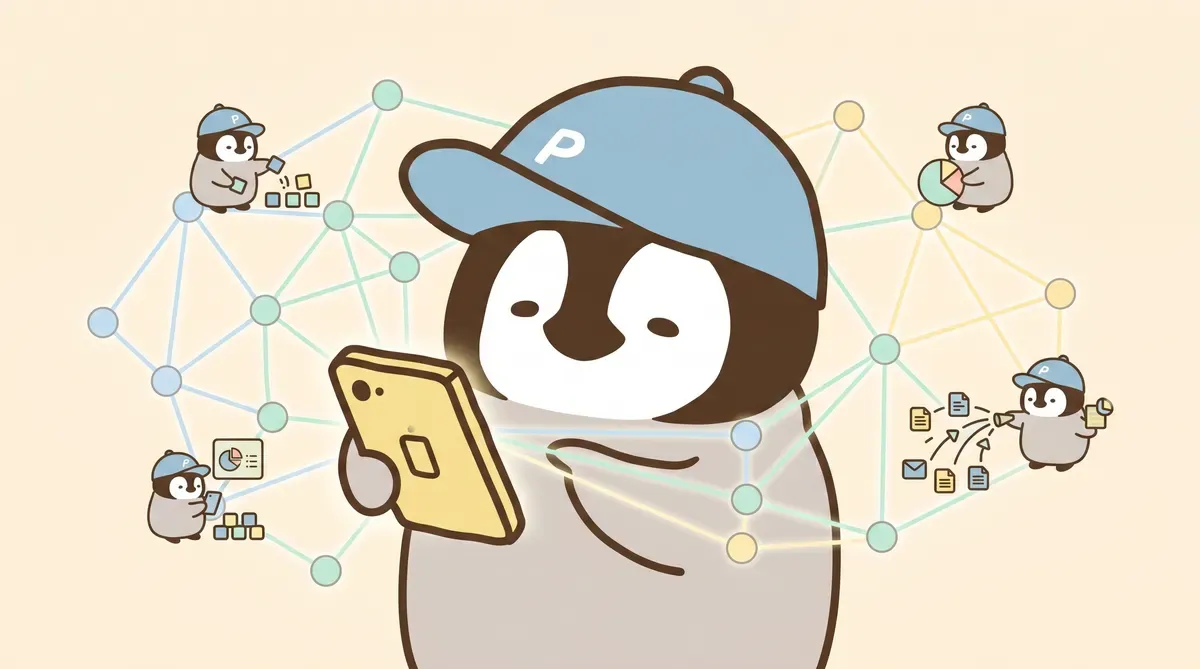
OpenClaw went public on January 29, 2026 and exploded overnight, directly fueling the AI Agent wave of 2026. Many of its users are also deep Claude Code users.
For users with Claude Code experience, Penchan’s idea is this: Claude Code itself is strong, but it does not remember across chats, does not schedule work, and a single agent does everything. OpenClaw fills those three gaps and turns it from a chat tool into an AI workstation that can manage multiple projects at once.
Below, let’s lay out the full architecture and look at how OpenClaw can be combined with Claude Code.
What OpenClaw Is

In one sentence: an AI agent assistant. It can also be considered a plugin system for Claude Code.
Claude Code itself is powerful: it can read files, write code, and run terminal commands. But it has several hard limits: every conversation starts from zero, it cannot schedule work, and one agent handles everything.
OpenClaw fills those gaps. After installation, Claude Code gains four abilities:
Memory system: remembers preferences, project state, and even the agent’s own “personality” across chats. With long-term use, the agent knows what tone the user likes, what formats the user dislikes, and where each project currently stands.
Scheduling engine: set scheduled tasks (cron jobs), letting agents run work automatically at fixed times. News scans can run at 6 a.m.; social posts can run three rounds a day, with no human watching.
Multi-agent collaboration: different agents handle different work while sharing the same memory. Opus handles strategy, Sonnet does labor, and Codex writes code.
Skills extension: add capabilities to agents like installing apps. Social posting, image generation, and data analysis all become modular.
How Different It Is from Pure Claude Code
Three differences are most obvious in practice.
Memory: pure Claude Code treats every conversation like a stranger. After installing OpenClaw, if you tell the agent “continue yesterday’s SEO schedule,” it actually knows what you mean. You do not need to paste the background again. The concrete operation is placing a project context file under memory/, which the agent reads at startup. Setup takes minutes, but the repeated explanation time saved every day adds up.
Scheduling: the news organization and social posting that used to be manual every day now live in cron/jobs.json. Morning news scans, social draft generation, and review flows can all run automatically. It saves a lot of time. Operationally, you write JSON, set the time, and leave the rest alone.
Division of labor: when one agent does everything, quality drifts. Opus occasionally breaks JSON config while editing it; Codex writes copy that sounds like technical documentation. After splitting into 4 agents, each agent only does what it is most stable at, and error rate clearly drops.
Installation Steps
Requirements: Node.js 18+, Claude Code CLI.
If Claude Code is not installed yet, run:
npm install -g @anthropic-ai/claude-codeAfter confirming it starts normally, install OpenClaw:
npx openclaw initIt creates a .openclaw/ folder in the project directory, where all configuration files live.
After initialization, the most important step is configuring CLAUDE.md. This is the instruction file the agent reads every time it starts, telling it “who you are and how you should work”:
# CLAUDE.md
你是 Penna,Penchan 的 AI 助手。
Boot 與規則見 AGENTS.md。
Then create the memory index MEMORY.md so the agent knows where memory files are. Detailed steps are in the beginner guide.
A Reference 3-Agent Architecture
The following setup is a division of labor Penchan refined through long-term use. It is here as a reference; you can build your own system.
Opus: Strategy and Writing
Opus is the main brain. It handles content strategy, long-form writing, memory management, and cross-agent coordination. It reads all memory files, makes decisions, then dispatches execution tasks.
A recommended hard rule with Opus: it plans and reviews, but does not directly edit code. Opus can occasionally cause problems when editing code, but it is very steady at code review.
Sonnet: Mechanical Tasks
Tasks requiring judgment do not go to Sonnet, but mechanical work is fast and accurate there: extracting video frames, transcoding, formatting data, batch processing. Low cost and stable quality.
Codex: Code
All code-related work goes to Codex: feature writing, bug fixing, and running tests. Use the latest model and do not downgrade.
Small code changes can also go to Sonnet, but once work exceeds dozens of lines or involves logic judgment, it should go to Codex.
Key Principle of Division
More agents is not always better. Six agents were tried, but management cost was too high. Three ended up just right. Each agent’s responsibility must be clear enough to state in one sentence; fuzzy boundaries are where errors happen.
Memory sharing relies on the file system. Three agents read the same .openclaw/ directory, but write permissions are layered. Opus can write all memory files, Sonnet only writes task outputs it owns, and Codex only touches code. That prevents them from stepping on each other.
More details are in the Multi-Agent Architecture article.
Core Feature Breakdown
Memory System
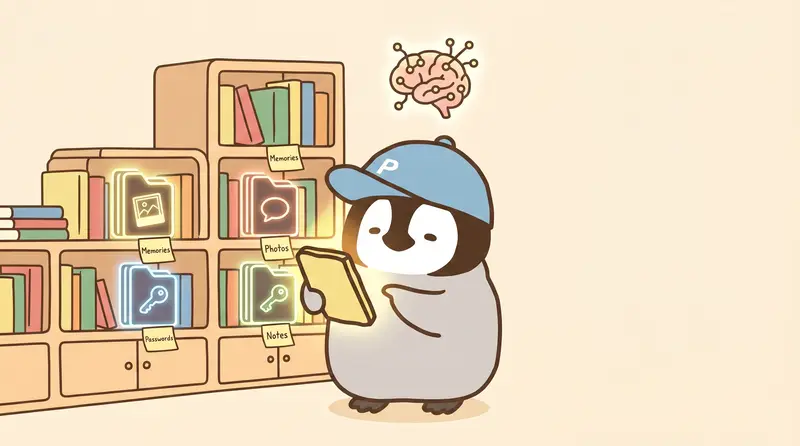
Three layers, simple in operation.
MEMORY.md is the index file. It tells the agent where memory lives. It is a list of all .md memory file paths. At startup, the agent reads this list first, then decides which files to load.
The middle layer is topic files. For example, memory/user/profile.md stores basic user information, and projects/penchan-co/context.md stores blog project context. These files are not read every time, only when the topic is relevant.
The top layer is brain.md, daily working memory. When the agent wraps up, it automatically writes “what was done today and what should continue tomorrow,” so the next day it can pick up directly.
Pitfall: at first, all memory was stuffed into one huge file. Every conversation spent a large share of the context window just loading memory, and responses slowed down. After splitting into three layers, context usage dropped noticeably, and finding things became faster.
Scheduling Engine
Operationally, it is just editing cron/jobs.json, with a format similar to Linux cron:
{
  "schedule": "0 6 * * *",
  "task": "掃描今日新聞並生成摘要",
  "agent": "opus"
}
Save it and it takes effect. In practice, there can be more than a dozen scheduled tasks: morning news scans, draft generation, afternoon market tracking, evening next-day scheduling. Each task leaves a run record under cron/runs/, so if something fails, you can inspect the log directly.
Practical suggestion: add a health-check schedule. If a schedule fails overnight and no one notices, it can drag on for a long time. A daily job that checks schedule status and sends Telegram alerts on anomalies is a lifeline.
Skills
Skills are OpenClaw’s modular extension system. Each skill is an independent capability package the agent can load as needed.
A skill roughly looks like this:
skills/
  social-post/
    skill.md      # 技能描述和使用規則
    templates/    # 範本檔案
Common practical skills include social posting (connecting social APIs), image generation (connecting image models), and schedule management. When a social team has multiple accounts and publishing channels, skills can automate all of it.
Who It Fits
Good fit: already using Claude Code, wanting cross-chat memory, scheduled automation, and multi-agent division of labor. Comfortable opening Terminal and willing to spend a day or two setting it up.
Not a good fit: wanting a graphical interface for everything. Dify or Coze fit that need better. OpenClaw’s operating environment is Terminal plus Markdown files, so people allergic to CLI will have a hard time.
One more prerequisite: there must be a clear task to automate. OpenClaw’s value is saving time on repetitive AI work. If there are no repetitive AI tasks yet, installing it will not show its value.
More bluntly: OpenClaw still has many areas that need optimization. Its positioning is for users who want flexibility and are willing to tune things themselves. It is not a tool for everyone.
Next Step
If you decide to try it, the recommended route is:
- Follow the beginner guide and set up the basic environment first
- Once stable, read the division design in Multi-Agent Architecture
- If you run into problems, open an issue on OpenClaw’s GitHub
Further Reading
- OpenClaw Beginner Guide
- OpenClaw Multi-Agent Architecture
- Multi-Agent Collaboration Guide
- How to Design Memory for an AI Assistant
Penchan’s Take
The main stack is Opus / Sonnet / Codex as three agents on OpenClaw. Most daily news scans, social drafts, and blog drafts run automatically, saving time for strategy and writing. Two lived impressions: (1) memory layering is truly key to long-term stability; the cleaner it is, the more the agent remembers; (2) OpenClaw only fits certain users. It needs people willing to tinker and optimize. The important thing is to have clear automation tasks first; then the tool has room to be useful.