When you switch between multiple AI tools every day, prompt quality directly decides whether productivity doubles or goes off the rails. For the same task, a different prompt can move output quality from “usable” to “ready to publish.” This article starts prompt engineering from zero. If you already use AI but often feel that it “doesn’t quite listen,” the prompt is probably the issue.
What Is a Prompt?
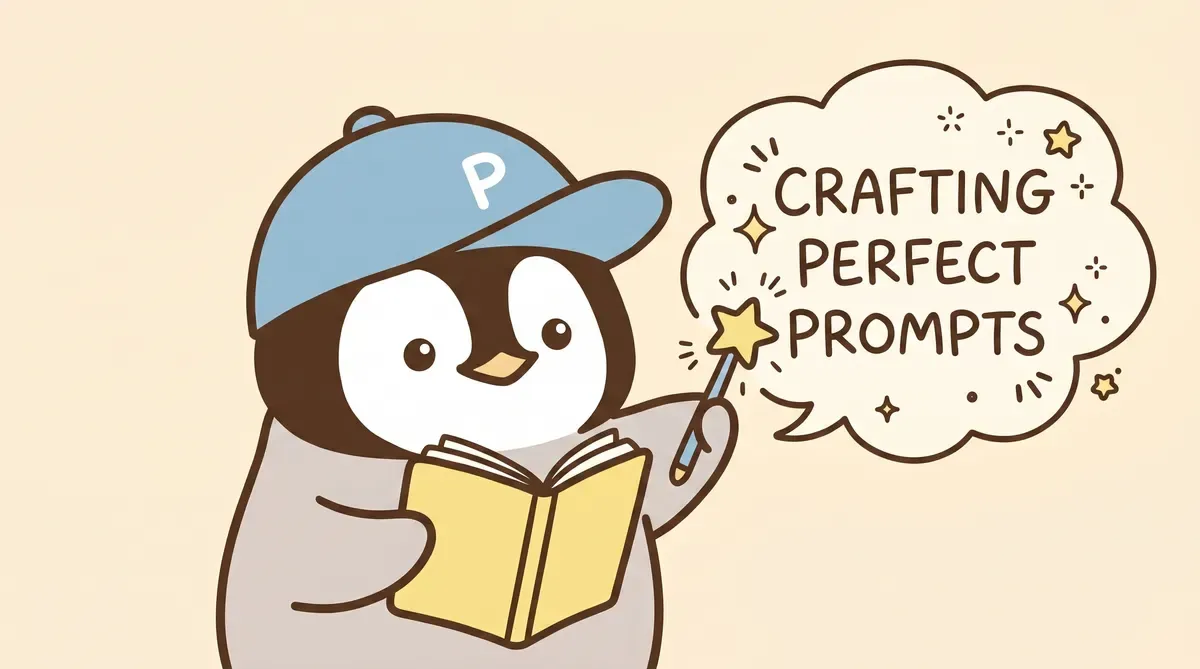
A prompt is the instruction text you give an AI. But “instruction” is too narrow. More precisely, a prompt is the communication interface between you and AI. Every piece of text you give it, including role setting, background information, task description, output format, and constraints, counts as part of the prompt.
For example, if you ask “write an article,” the AI will give you a balanced, Wikipedia-like piece. Change it to “You are a tech blogger. Write a 1,500-word article in a conversational tone about prompt basics. The audience is office workers who have never used AI. Do not use bullet points,” and the result becomes completely different.
What changed? The context became richer and more complete. In the end, AI can write something no matter what. The problem is that it does not inherently know what the user wants.
Why Learn This in 2026?
There are two reasons.
First, AI models are getting stronger, but “stronger” means they can do too many things. If you do not give direction, they choose a direction themselves. ChatGPT’s creativity is powerful, but without limits, a 1,000-word task can turn into 3,000 words with subheadings and emoji. The latest Claude Opus is still the most stable in the industry at following instructions, but only when the instructions themselves are clear.
Second, prompts are no longer just “one-line commands.” The mainstream trend is now Context Engineering. What you manage is the AI’s entire working environment: its role, memory, usable tools, and multi-step task flow. A prompt is only one component, but it is the most basic one.
Learning prompt engineering is like learning to drive. You do not need to understand the engine, but you do need to know how to press the accelerator and turn the wheel.
Basic Structure: Four Elements
There is a fixed framework for writing prompts. Combining four elements covers most scenarios.
Who - Role: Tell the AI who it is. “You are an SEO consultant with ten years of experience” and “You are a college student” produce completely different depth and wording.
What - Task: Tell it what to do. The more specific, the better. “Analyze this data” is too vague. “Find the months in this CSV where monthly revenue dropped by more than 10% and list possible reasons” is much clearer.
How - Format: Specify what the output should look like. Table, bullets, paragraphs, JSON, Markdown. If you do not specify, the AI decides on its own, and its decision is usually not what you want.
Not - Constraint: Tell it what not to do. “Do not exceed 500 words,” “do not use bullets,” “do not fabricate data.” Constraints are the key to quality control. Without this layer, AI easily improvises too freely.
You do not need all four elements every time. For a simple translation task, role and constraints may be enough. For a long-form article prompt, all four may be needed, and each one may be long. Adjust by scenario.
Five Reusable Prompt Examples
Examples beat theory. These five are the most frequently used templates in the pen-pings series, and you can copy and modify them directly.
Example 1: Content Summary
你是一個專業的內容編輯。
請閱讀以下文章,用 3 句話摘要重點。
第一句講主題,第二句講核心發現,第三句講對讀者的影響。
不要超過 150 字。不要用「本文」開頭。

[貼上文章內容]
Example 2: Meeting Notes
你是一個熟悉科技業的專案經理。
以下是一場產品會議的逐字稿。請整理成會議紀錄,格式如下:
- 決議事項(每項一行,標記負責人和截止日)
- 待討論事項(下次會議跟進)
- 關鍵數字(會議中提到的任何數據)
不要加你自己的意見。只整理逐字稿裡有的內容。

[貼上逐字稿]
Example 3: Code Review
你是一個資深全端工程師。
請 review 以下程式碼,只指出三類問題:
1. 會造成 bug 的邏輯錯誤
2. 效能瓶頸
3. 安全漏洞
每個問題附上修改建議和修改後的程式碼片段。
不需要誇獎寫得好的部分。

[貼上程式碼]
Example 4: Article Style Rewrite
你是一個台灣的科技部落客,擅長用聊天的語氣寫文章。
以下是一段技術說明文,請改寫成部落格風格。
要求:
- 用第一人稱口吻
- 句子有長有短,像在跟朋友說話
- 專有名詞第一次出現時用中文(英文)格式
- 不要用「淺顯易懂」「華麗修辭」這類空話
- 保留所有技術細節,只改語氣

[貼上原文]
Example 5: Data Analysis
你是一個數據分析師,擅長用白話解釋數據。
以下是一份 CSV 資料。請完成:
1. 找出前三名和後三名
2. 計算平均值和標準差
3. 用兩句話說明這份資料的趨勢
輸出用繁體中文,數字保留到小數點第一位。

[貼上 CSV]
Advanced Techniques
After you learn the basic structure, three advanced techniques can push output quality one level higher.
Chain of Thought
Ask the AI to think step by step. This technique is especially useful for tasks that require reasoning.
How to do it: add 請一步一步思考 or 請先列出你的推理過程,再給出結論 to the prompt. The AI will write out the intermediate steps, so you can see where it went wrong. And just asking it to slow down and think can improve answer accuracy by a level.
Data analysis and logic tasks should almost always include this.
Few-shot
Show the AI exactly what the desired output looks like. This is more effective than spending 500 words describing the format.
How to do it: put two or three “input -> output” examples in the prompt. The AI learns the style, format, and wording preferences from the examples. This works best for translation, classification, and rewriting tasks.
Preparing examples takes time at the beginning, but saves time every time after that.
Negative Prompts
Telling AI “what not to do” is sometimes more useful than telling it “what to do.”
“Do not use bullets,” “do not exceed 500 words,” “do not invent information that was not mentioned,” “do not add a summary at the end.” These constraints directly remove AI’s most common bad habits.
Claude follows negative instructions relatively well, so you can list more constraints for it to avoid. For ChatGPT, too many constraints make it start selectively ignoring them, so keep the list under ten when possible.
Prompt Differences Across Models
The three mainstream model families have completely different “personalities,” and prompts should adjust accordingly.
Claude: The most obedient. It follows long rules, complex constraints, and role settings reliably. Give it a long system prompt and it remembers from start to finish. It fits tasks that need precise control. Its weakness is that it can be too conservative, so the prompt can encourage it to “give your judgment boldly.”
ChatGPT: The most creative, but relatively less disciplined. It is good with examples (few-shot), learning from the examples you give it. It is not ideal for too many constraints; once you pass ten, it starts deciding which are important and which are not. It is best for ideation, brainstorming, and quick prototypes.
Gemini: Best paired with search tasks. Its context window reaches one million tokens, so it can handle an entire book for analysis. But Chinese-language feature limitations are more common, and prompts sometimes need English to trigger certain functions. Its style leans toward technical reports, so if you want a relaxed tone, say it explicitly in the prompt.
A practical rule: use Claude for formal content, ChatGPT for ideation, and Gemini for large-volume data processing. Keep all three open and rotate between them. The personality differences between Claude and ChatGPT are covered separately in Claude vs ChatGPT comparison.
Do Prompts Still Matter in the Agent Era?
In 2026, AI Agents can break down tasks, call tools, and manage memory. Some people say prompts are becoming obsolete.
The reality is the opposite: prompts are becoming more important, but their form is changing.
In the past, you wrote a prompt, sent it to AI, got a piece of text back, and finished. Now you write an entire instruction system: what the AI’s role is, which tools it can use, how memory is designed, and how to handle uncertainty. That is Context Engineering.
The OpenClaw multi-agent system is a living example. AI agents are usually designed with layered memory: a bottom layer of indexes loaded automatically, a middle layer of topic-based knowledge files, and an upper layer of daily working memory. This whole architecture runs on rules written into prompts. The more autonomous the Agent, the stricter prompt design needs to be, because humans will not watch every step. For details on the multi-agent architecture, see OpenClaw Multi-Agent Architecture.
The conclusion is clear: learning prompt engineering is still worth it in 2026. It is the base skill for communicating with AI. No matter how tools evolve, people who can explain intent clearly will always work more efficiently than those who cannot.
From Prompts to Context Engineering
Advanced prompting is not a set of magic phrases. Advanced Prompt Techniques breaks down role stacking, chunking, negative prompts, and self-checks; this hub gives you the map first.
The bigger shift is context engineering. Once you use long-running systems like an AI Agent or OpenClaw, the question is no longer only how to write one prompt. It becomes:
- Which rules should load every time?
- Which data should be read only for specific tasks?
- When should long conversations be summarized, archived, or restarted?
- How should tool permissions, memory, and output format constrain each other?
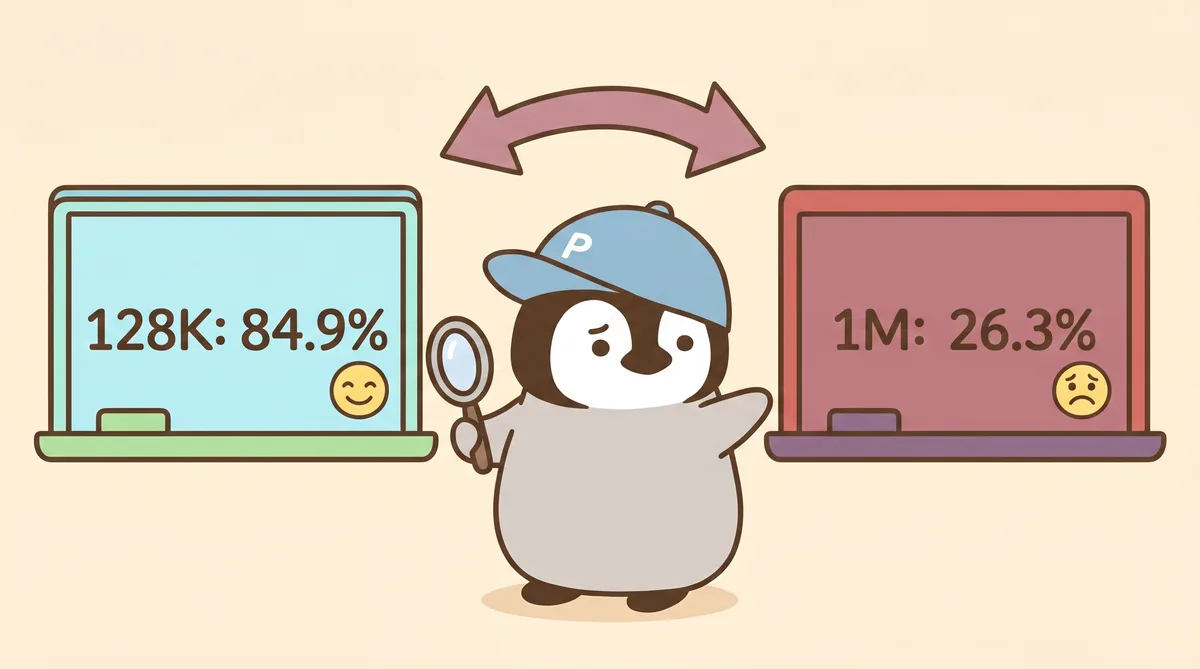
The sweet trap of a one-million-token context is about the same lesson: bigger context does not mean you can stuff everything in. Useful context is organized into a shape the AI can use reliably.
Next Step
After you understand the basic structure and advanced techniques, the next article, Advanced Prompt Techniques, covers 10 more practical methods, including prompt methodologies distilled from real mistakes.
Prompting is a skill you keep once you learn it. Tools will change and models will update, but the ability to explain what you need will not become outdated.
Penchan’s Take
Penchan uses Claude Code, Codex, Perplexity, Grok, Gemini, ChatGPT, Gemini Notebook (formerly NotebookLM), OpenClaw, and other tools in rotation every day. Fine-tuning prompts across models is part of the daily workflow.
OpenClaw is the multi-agent system Penchan uses personally. Its memory architecture has three layers: automatic loading, knowledge files, and daily working memory. This architecture came from long-term trial and error: the leaner the core files are, the less often agents forget; the more you try to stuff everything into memory, the easier it becomes for things to get messy.
For model style, Penchan’s habit is: use Claude for writing articles and scenes that need style rules to be followed; use ChatGPT for ideation and creative brainstorming; use Gemini for large-scale data organization or long-context tasks. This division reflects how each model’s personality fits different types of work. It is not about which one is strongest.