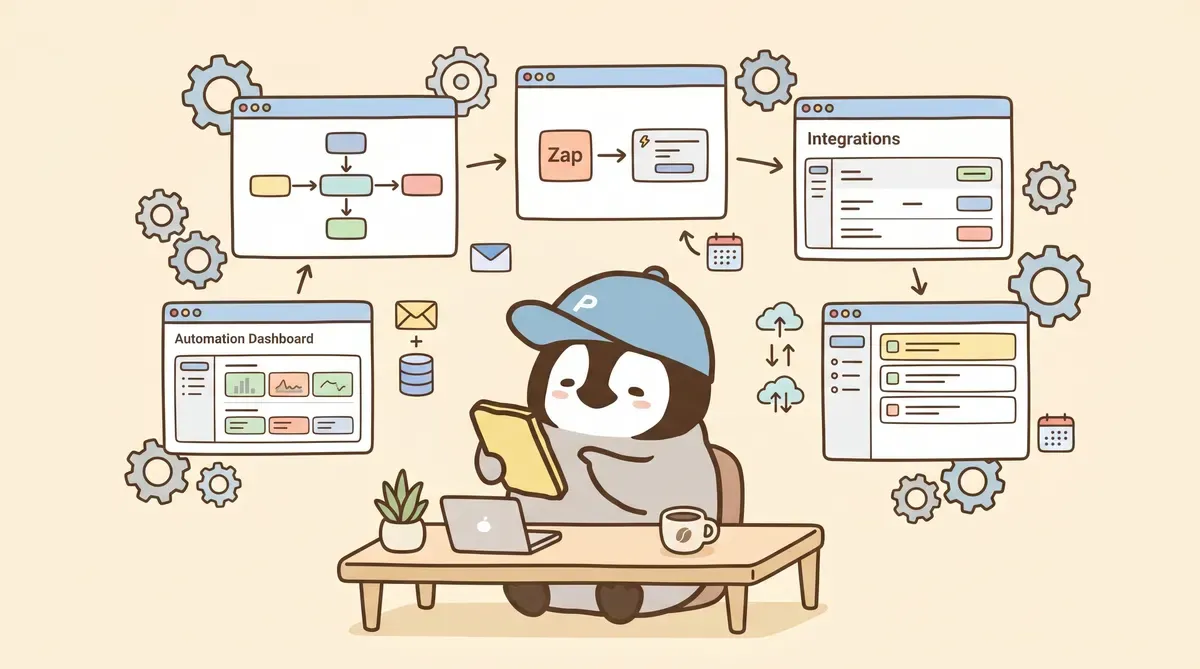
An AI automation workflow is a monitored system that combines a fixed process, AI judgment, triggers, and failure alerts. It is not “let AI handle everything.” Start with three questions: what triggers it, who notices failure, and whether the final action can be rolled back.
AI Automation Does Not Mean “Hand Everything to AI”
The marketing diagram usually looks like this: type “handle everything automatically,” and AI takes care of the whole package. In practice, three things get in the way:
- Trigger type: time schedule, form, Webhook, human review. Different tools support different patterns.
- Failure strategy: APIs go down, tokens expire, formats change. It will happen.
- Reversibility: some actions become irreversible once automated, such as transfers, deletion, and external sending.
Put these three things first, then choose the tool. That makes it less likely to build a workflow that runs smoothly until something breaks and nobody knows who owns it.
The Four Main Routes
| Route | Form | Pricing | Best for |
|---|---|---|---|
| Make / Zapier | no-code SaaS | Make counts credits; Zapier counts tasks | Individuals, small teams, medium cross-app automation |
| n8n | self-hosted or cloud | self-hosted is free / cloud counts executions | Technical teams, data control, multi-step processes |
| Self-built cron + LLM API | program / script | mainly API call cost | Developers, high frequency, full control over logic and failure strategy |
| Power Automate | built into M365 | per user / per bot license | Companies already inside Microsoft 365 |
For the full comparison, see Automation Tool Comparison (2026).
Tool Decision Table: n8n, Make, Zapier, or Cron
| Need | Start with | Why |
|---|---|---|
| Fast Gmail / Notion / Sheets workflow | Make / Zapier | many connectors, quick setup |
| Long workflows, branching, data control | n8n | execution pricing is friendlier to long flows; self-hosting exists |
| Company lives in Microsoft 365 | Power Automate | deep Outlook, Teams, SharePoint integration |
| Developer wants high frequency and full control | Cron + LLM API | transparent cost, but you own monitoring and maintenance |
The n8n intent deserves its own line: it fits people willing to own the system, not just people looking for a free tool. Self-hosting saves SaaS execution fees but gives you backup, credentials, patching, and incident response.
Choose the Trigger First: Time / Form / Webhook / Human Review
Time trigger: runs once per day / hour / 15 minutes. Common uses: morning briefs, scheduled polling and monitoring. Note that the shortest interval on Make and Zapier free plans is 15 minutes.
Form / event trigger: starts after a form submission, incoming email, or new social post. Common uses: lead intake, first-line support, social monitoring.
Webhook trigger: another system sends an HTTP request to start the flow. Common uses: cross-system integration, CI/CD, third-party callbacks.
Human review trigger: AI leaves a draft in an inbox, and a person clicks “approve” before it is sent. Common uses: external email, publishing posts, approval flows.
TL;DR from the Two Supporting Guides
Tool comparison: calculate the billing unit first
The automation tools comparison explains that Make, n8n, Zapier, and Power Automate do not price the same thing. Make counts credits, Zapier counts tasks, n8n cloud counts executions, and Power Automate counts licenses. Long multi-step workflows get expensive on Zapier quickly. n8n matters when you need self-hosting and data control. If you just need two or three apps connected quickly, Make / Zapier is less maintenance.
Scheduling: running on time is not enough
The AI cron scheduling guide covers the failure side of cron, n8n schedule, and Make schedule. A time trigger is only the start; the real design is logs, retries, alerts, and human approval gates. A daily report and a five-minute monitor have completely different costs and maintenance pressure. Public posting, deletion, and transfers should not be sent automatically without review.
What Work Is Best for Automation
- High repeat frequency: done daily or weekly, with fixed steps.
- Low failure cost: if it breaks, rerunning is enough and there is no irreversible loss.
- Easy output verification: a person can glance at the output and tell whether it is right.
Examples: news summaries, social scheduling, recurring reports, data consolidation, file renaming.
What Work Should Not Be Automated
- One-off judgment work: building the workflow takes longer than doing it manually once.
- Irreversible external actions: automatically sending emails, transferring money, or deleting data without review.
- Work where failure is hard to notice: nobody sees the wrong run, and tracing it later is expensive.
A compromise for “irreversible” work: AI drafts → human review gate → send.
How to Design a Beginner’s First Workflow
- Find one thing you do manually every day that has fixed steps and low risk.
- Write down the trigger → steps → expected output.
- Build the first version in Make or Zapier and get the happy path running.
- Add failure notification: send an email / push to Slack / write to a log on failure.
- Test for one week and observe real credits / tasks usage.
- Confirm it is stable before expanding to a second workflow.
The most common “no failure notification” problem: the automation has been broken for three days before anyone notices, and the useful window is already gone. Treat this as a required item during design.
Failure Notifications You Need Before Launch
- Write one status log after each run (success / failed / skipped).
- If there is no new log after the expected time, trigger an alert.
- Retry failed API calls N times, then escalate to a warning.
- Keep a final human confirm gate for outbound actions such as email, publishing, and transfers.
Conclusion
The first discipline of automation: “running on schedule” does not mean it is safe to hand off. The real design question is how failure becomes visible. Start with low-risk, highly repeated, easy-to-verify work. Grow the first stable workflow before expanding.
Penchan’s Take
OpenClaw’s cron system is Penchan’s current daily driver: it regularly fetches data, uses Claude-family models to organize it, writes results into work notes, and pushes errors to Telegram alerts. The whole system is a code-based self-built route, not something wired through Make / n8n / Zapier, so Penchan has a concrete feel for where automation breaks. The most common traps cluster around three things: expired tokens, APIs changing schema, and cloud services changing rate limits. These three account for most failure cases. AI writing poorly is rarely the main cause.
Penchan’s take on whether ordinary non-engineers can do this: yes, but start with no-code tools, get the first workflow stable, add failure notifications properly, and only then consider self-hosting. The barrier in the code-based route is not “can you write code,” but “are you willing to spend time maintaining it every week.”