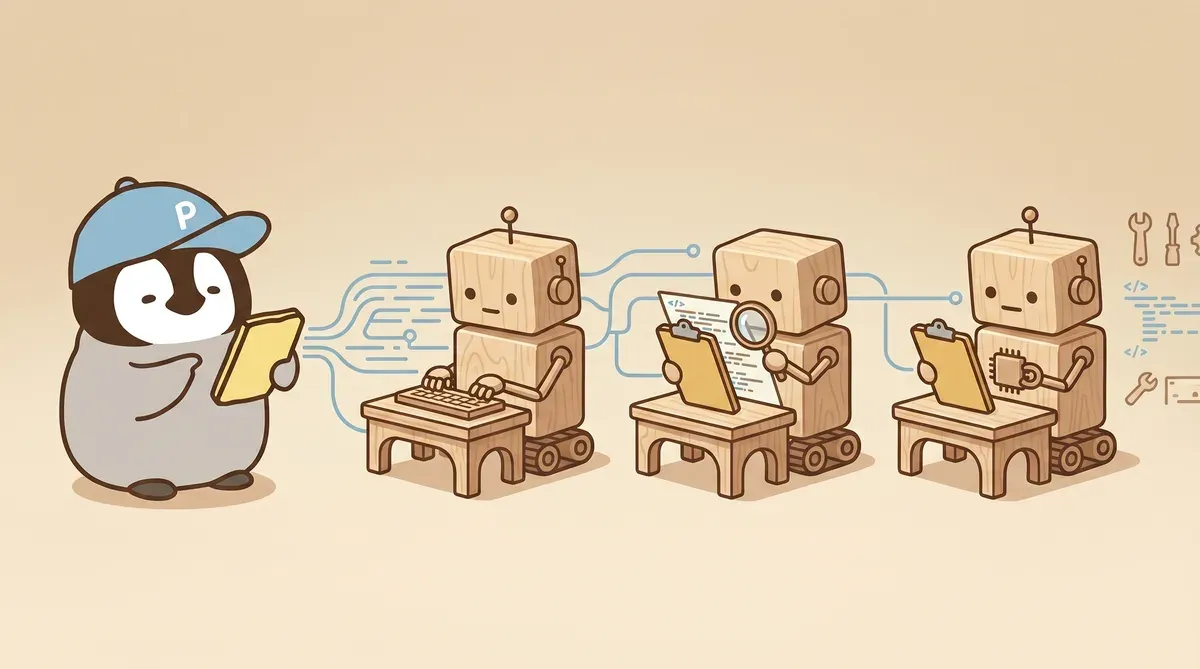
For three weeks, Claude Code and Codex CLI were run together as a production line: Claude Code held the spec, and all code was assigned to Codex CLI.
It sounds clean. In practice, gaps show up everywhere.
During the first week, it feels like unfamiliarity. By the second week, the same kind of pitfall keeps repeating. Anthropic’s official docs explain Claude Code, and OpenAI’s official docs explain Codex CLI; each is complete on its own. How to run the two together lives in users’ terminal histories, and nobody has written it down.
The notes below distill the six most important things learned. People already using Claude Code subagents and wanting to bring Codex CLI in as the implementer can save an afternoon or two. This article does not include concrete commands, because flags for both tools change with versions. It only explains the concepts. When implementing, align the details with the current official docs.
Why This Division of Labor Is Worth It
The conclusion first: using Claude Code as commander and Codex CLI as implementer is the most comfortable way to use both tools.
Claude Code is strong at planning, review, keeping the spec from drifting, and deciding what counts as “done.” Its response style fits this layer. It can also spin up subagents to inspect other things, which makes it suitable as the decision layer.
Codex CLI is strong at execution: writing code, refactoring, continuous editing, and running tests. Its sandbox design also makes it easier to let it run on its own.
Stack them together: Claude Code sits on top holding the spec, slicing work into pieces and assigning them to Codex CLI. Codex writes → Claude opens a subagent for cross-family review → pass, then merge. This loop is much more stable than letting either tool handle everything alone.
These six points took the longest to learn over three weeks.
1. “Auto Mode” Does Not Mean “Never Ask”
The first time Codex was asked to run an unattended task automatically, it often came back having done nothing.
The log showed that it was stuck at a prompt: “I need to modify this file, approve?” Nobody pressed the button, so it sat there for twenty minutes.
Many automation tools have similar designs. So-called “auto mode” often means “it will still ask you when needed.” Sensitive operations such as modifying files or writing to certain paths can trigger a prompt. True unattended execution needs another layer of ‘do not ask, just do it’ configuration.
Let the sandbox enforce the safety boundary, not the prompt. If the prompt blocks, the whole session freezes and half an afternoon disappears. That is usually not worth it.
2. The Sandbox Has No Network by Default
Second pitfall: write an instruction asking Codex to install a new package, and after a long wait it says installation failed.
The real reason has nothing to do with the package manager. The Codex sandbox has network disabled by default.
The reason is simple: safety. But daily development often needs network: installing packages, git push, calling third-party APIs. If network is needed, it must be opened explicitly. It is not given by default.
Running outside the sandbox entirely can also bypass this, but that removes the guardrails. The stable habit is to spend one second at the beginning of each task asking, “does this task need network?” If yes, open the right flag; if not, keep the default. One extra second of thinking is safer than removing the guardrail.
3. Judge Success by Multiple Signals, Not the Last Line of stdout
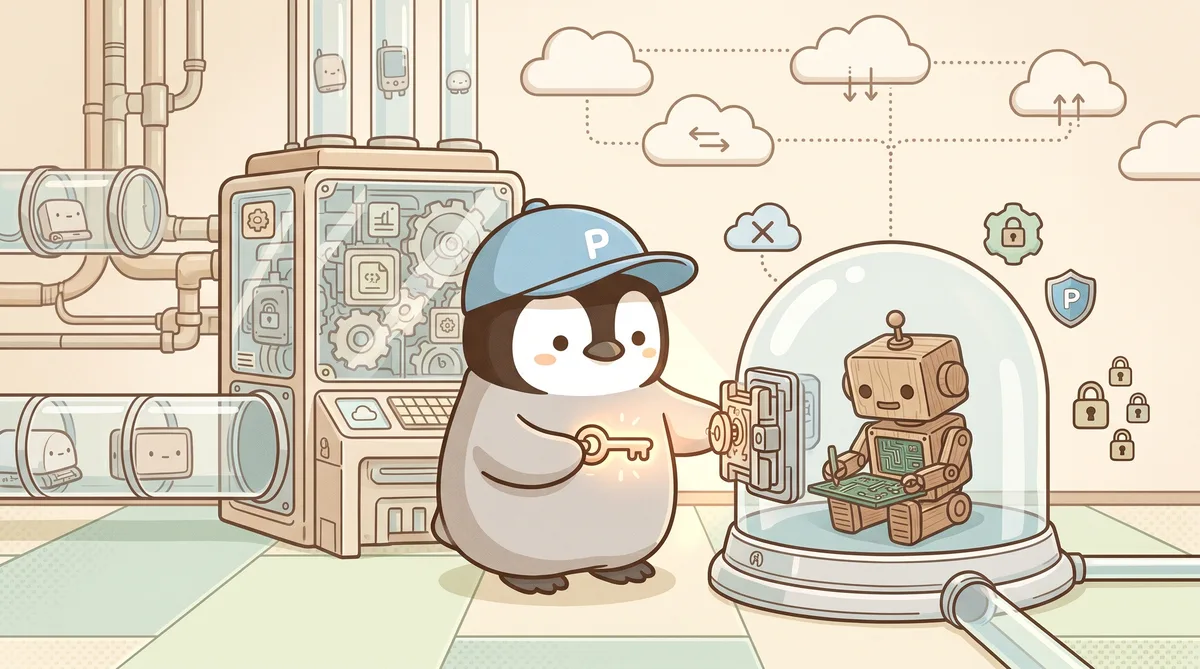
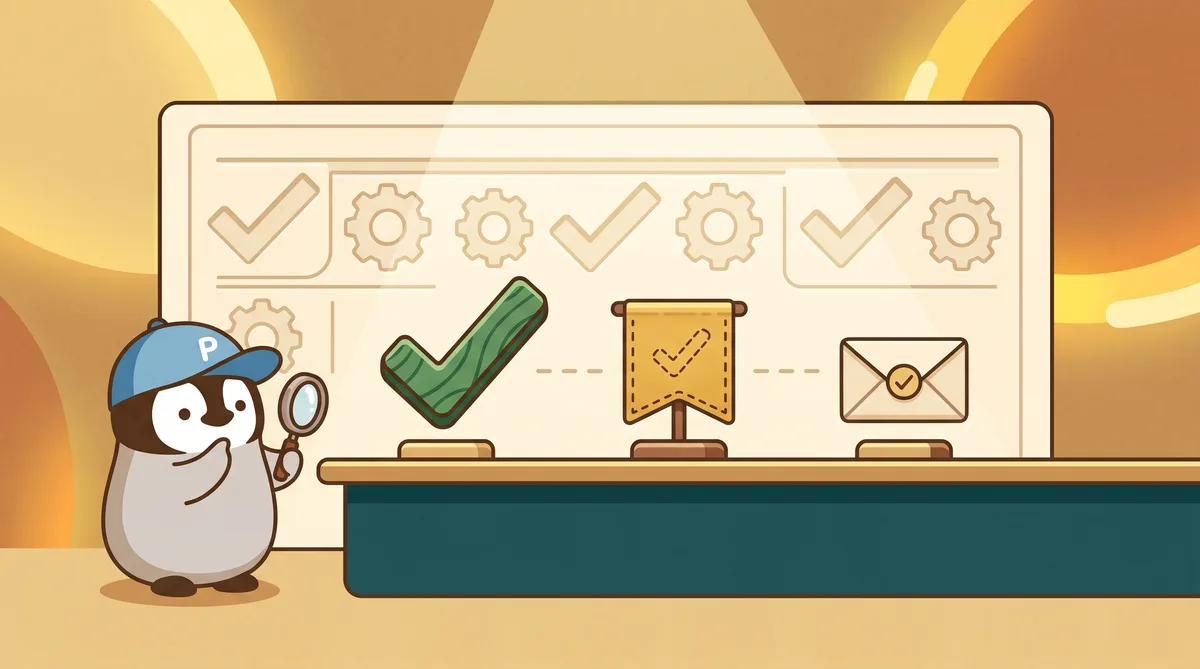
After a few painful merges from reading only the last stdout line, “OK looks good,” it becomes clear that multiple signals must be checked together.
At minimum:
- Exit code is 0 (the program ended normally)
- Execution history has a “whole run completed” event (not a mid-run cutoff)
- Files expected to be written actually landed on disk
If any one of these is missing, it is not success. The final line of stdout may just be the last buffered text squeezed out in the middle of output. It can look like an ending message while actually being only the last visible fragment.
The concrete way to wire these signals differs by tool version and flags, so check the current official docs. The concept matters: cross-check signals, never rely on one.
4. A Single Task Has a Time Limit; Exceed It and the Session Dies
This was the most painful lesson.
A large refactor was assigned to Codex with a detailed instruction, expected to take around forty minutes. The session came back dead. The log said “compaction task timed out.”
When a conversation approaches the limit, Codex automatically triggers an internal compaction mechanism: it condenses already processed parts into a summary to make room for new turns. The problem is that compaction itself takes time. If it times out, the whole session dies. Resume cannot save it. The next time you reconnect, you get a stuck session.
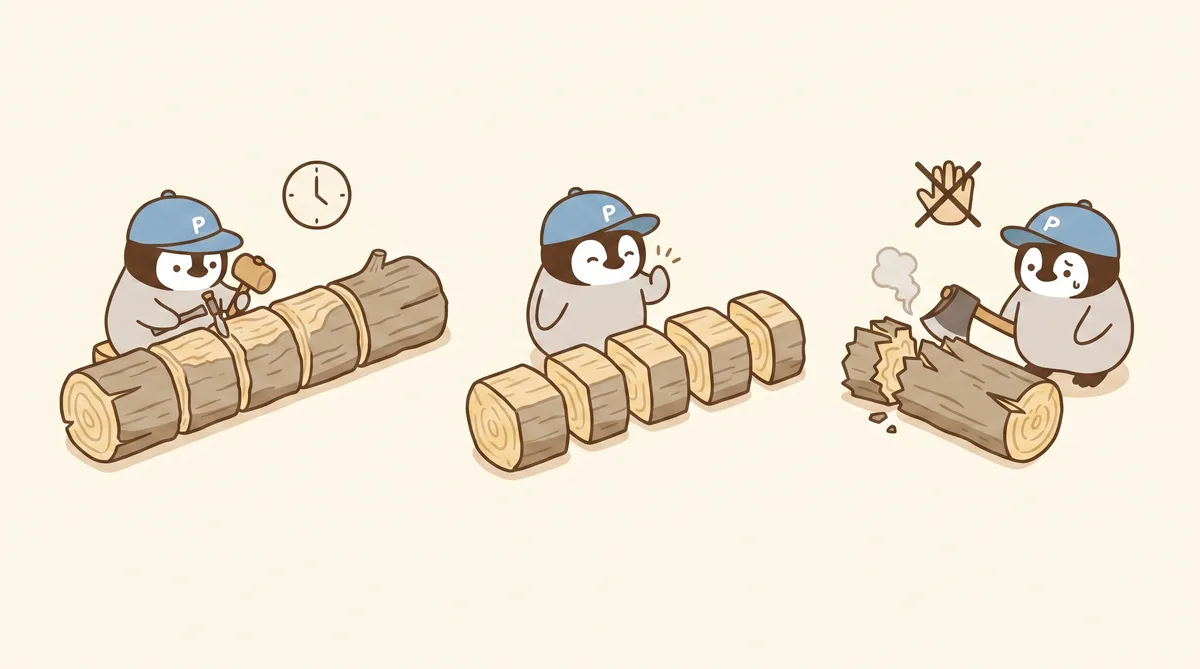
Reliable rule: do not let a single task run too long. In testing, under 25 minutes is the sweet spot. Longer tasks should be split. After each segment, write a small summary (“did X, remaining Y, next start from Z”), then start the next segment in a fresh session with that summary. Let the dead session go.
The side effect of splitting is good: each segment is short, token consumption is easier to estimate, and errors are easier to locate.
5. Code Review Must Go to Another Family
Letting Codex write code and then asking Codex to review the same code catches some things, but it misses a lot.
The model that wrote the code and the model reviewing it share the same origin and the same thinking substrate. It is more tolerant of what it just wrote than it is of someone else’s work. It looks like review, but often functions like a rubber stamp.
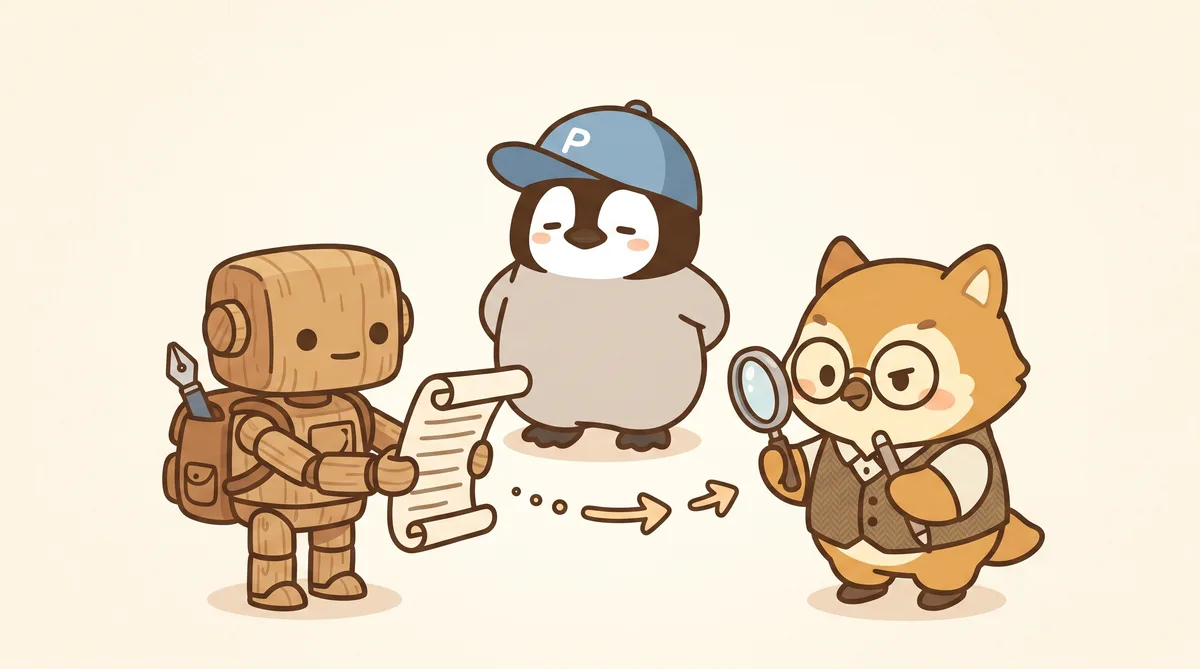
That is why this architecture becomes “Claude Code on top, Codex below”: after Codex finishes, the diff is not reviewed by Codex itself. It goes to a Claude subagent. Different model family, different error patterns, different blind spots. Cross-family review catches much more than self-review.
The stable flow is: Codex writes → Claude Code pulls the diff → Claude subagent reviews → issues go back to Codex for fixes; no issues, then merge. This extra layer often catches silent bugs that a quick human scan would miss.
6. Three Parallel Runs Are the Sweet Spot; the Fourth Hits a Wall
The last point is about paid-plan quota.
Codex paid plans have a rolling credit window: each time window gives a certain amount of compute. Running multiple worktrees in parallel, with each worktree opening an independent Codex session, stacks the consumption.
Four parallel sessions look faster in theory. In practice, quota hits the wall halfway through, all sessions slow down at once, and the last one gets blocked outright.
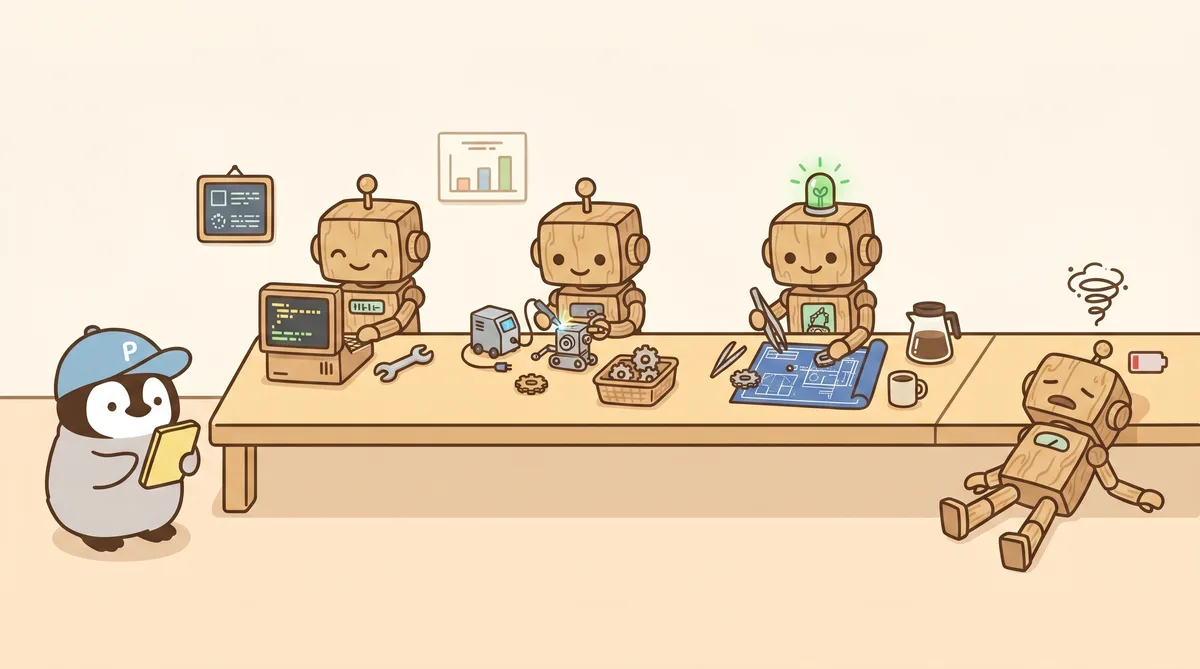
Three is the sweet spot. Three parallel runs on the paid plan can roughly sustain a 30-50 minute sprint. More than that, and you need to wait for quota to refill. Before assigning tasks, ask: “does this really need four lanes?” Most of the time, it does not. Three lanes plus one queued lane is enough.
Turn This into Your Own Playbook
These six points were organized into a personal notes library: each pitfall is written as “when it happens, why it happens, and conceptually how to work around it,” plus a few templates for task assignment, cross-family review, long-task segment summaries, and similar flows, so the same thinking does not have to be repeated every time.
Two ways to use it:
- Copy the concepts: find a problem that is currently stuck, jump to the matching section, and follow it.
- Copy the structure: treat the whole notes library as a starter kit, clone a copy into your own workspace, and adjust it for your tool versions.
This content will later be turned into more systematic guides, together with people also running both tool families.
Closing
Anthropic and OpenAI will not write a tutorial for “using both companies’ tools together.” That layer will always be discovered by users. What has been discovered can be shared, so everyone does not have to fall once on their own.
Further Reading
- The Sweet Trap of a One-Million-Token Context
- Multi-Agent Collaboration Guide
- Multi-Agent Development Workflow
- OpenClaw Multi-Agent Architecture
- Claude Code vs Cursor
Penchan’s Take
The main workflow is Claude Code on top + Codex CLI below + Claude subagents for cross-family review. In practice, the two most noticeable lessons are: first, Codex sandbox network is off by default, so every network-needed task has to remember to open it; second, long tasks really can be killed by internal compaction timeout, so splitting them is actually the fastest route. OpenClaw’s multi-agent architecture runs on this division of labor.