📖 This is Part 4, the final article, in the “Dissecting AI Agents” series. ← Previous: Security Risks of AI Agents
The earlier articles covered the basic principles and memory system of AI Agents. But being able to chat and remember things is not enough to make an Agent a real automation assistant.
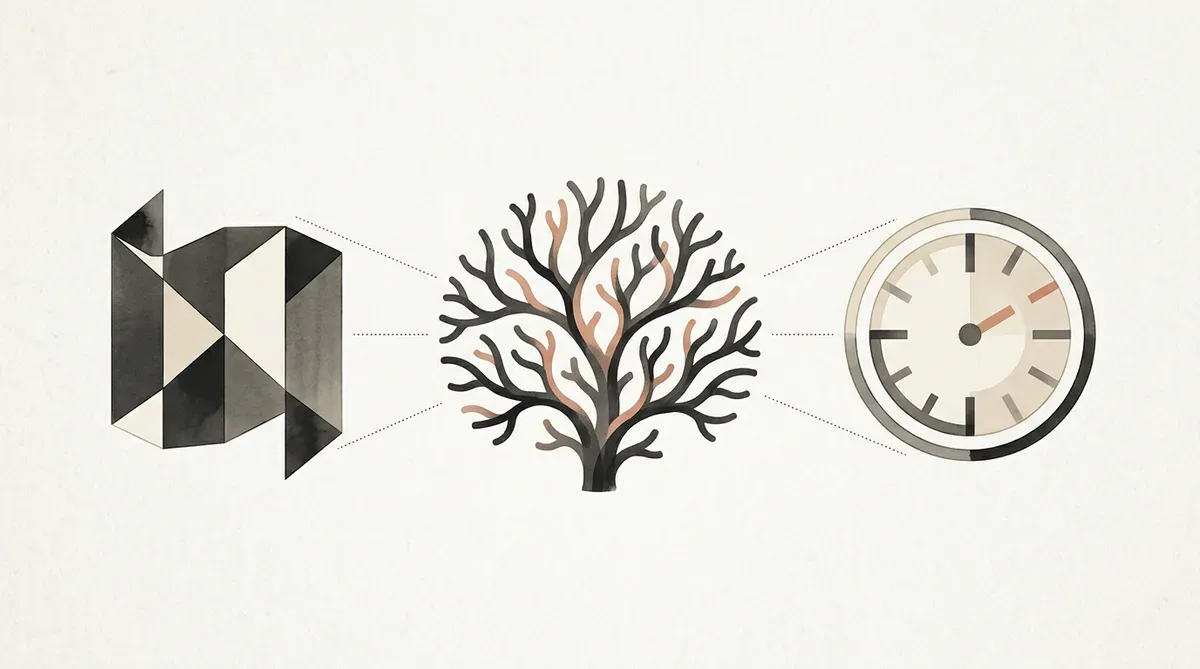
To let AI independently handle complex tasks and run around the clock, three mechanisms matter: Skill, Sub-agent, and Cron.
Skill: The AI’s Work Manual
Ask AI to do something complex, such as producing a video, and the task may involve a dozen steps: writing a script, making slides, taking screenshots, recording voiceover, validating audio, composing the video, and more. If the model has to invent the workflow every time, it easily misses steps.
A Skill is a written SOP.
Its body is a plain text file, usually .md, not code. It records:
- The order of steps required to complete the task
- Where the tools for each step are
- How to handle exceptions
The Clever Part of Skills: Load on Demand
The Agent does not stuff every Skill into the System Prompt. That would explode the context. Instead:
- The System Prompt only contains a list of available Skills and short descriptions
- The language model decides which Skill the current task needs
- A read tool loads that Skill’s content
- The Agent follows the Skill’s steps and starts executing
This is a Context Engineering technique: load information only when needed, instead of wasting precious context-window space.
Skills Can Be Shared
Because a Skill is just a text file, you can share your own Skills with someone else’s AI Agent, or download Skills from a community platform. It is like loading martial arts directly into the brain in The Matrix: once the AI puts the Skill into the right folder, it immediately learns a new workflow.
Be careful with unknown Skills. I discussed the security risk in Security Risks of AI Agents and Skill Shielder.
AI Can Also Create Its Own Tools
Besides using existing tools and Skills, a language model can write code by itself to solve a problem.
Example: you tell AI, “After every voice synthesis, run speech recognition to verify it. If it is wrong, redo it, up to five times.” The model thinks for a moment and realizes that back-and-forth interaction would be annoying, so it writes a small script that wraps synthesis, verification, and retry logic into one run.
These disposable mini-tools are often forgotten after use and rewritten next time, but they show the flexibility of Agent problem-solving.
Sub-agent: Splitting into Separate Workers
When a task can be split into parallel subtasks, an Agent can send out separate workers.
Suppose you ask AI to compare the methods of two papers. The language model may ask the Agent to spawn two Sub-agents: one reads and summarizes Paper A, the other reads and summarizes Paper B. The two workers each communicate with the language model, search the web, download papers, read section by section, and finally return summaries to the main Agent.
Why Not Just Use the Main Agent?
The key is saving context space.
Reading one paper may take dozens of model turns: search, download, read in chunks, organize. If all of that happens inside the main Agent’s context, the window fills up quickly.
With Sub-agents, all messy intermediate work happens in each worker’s independent context. The main Agent only sees the final summary, like a manager reading a report instead of watching every hour of the work.
This is also the core idea of Context Engineering: each layer sees only the information it needs.
The Trap of Infinite Outsourcing
Can a Sub-agent summon another Sub-agent? In theory, yes. Without limits, that becomes infinite outsourcing. Everyone passes work to the next layer, and nobody actually does the work.
The solution is blunt but effective: remove the worker’s ability to reproduce. At the program level, the Agent directly forbids Sub-agents from using the “summon worker” tool. Lock it in code instead of relying on language-model instructions.
Cron: Teaching AI to “Wait” and Be On Time
One fundamental problem with AI Agents is that the model never acts on its own.
A language model only produces output when it receives input. If nobody asks it anything, it sits quietly. After the Agent finishes talking to the model, if no new trigger arrives, the whole system stops.
Heartbeat: Waking It Up on a Timer
Heartbeat is the most basic solution. Every fixed interval, say 15 minutes, the Agent automatically sends a preset instruction to the language model to “wake it up” and check whether anything needs doing.
The heartbeat instruction is usually something like “read heartbeat.md and see whether there are pending tasks.” After reading it, if there is a task, the model starts. If not, it replies “nothing to do” and waits for the next heartbeat.
The heartbeat instruction does not have to be very specific. If the heartbeat says “move toward your goal,” and the AI’s settings say its goal is “become a first-rate scholar,” then every 15 minutes it may wake up and do something related to research: read papers, write notes, or organize data.
Cron Job: Trigger at a Specific Time
Heartbeat is a bell that rings at fixed intervals. Cron triggers a specific task at a specific time.
For the instruction “make one video every day at noon,” the language model can use the scheduler to set up a Cron Job: trigger at 12:00, with the instruction “produce a video.” At noon, the Cron system pokes the Agent like an extra heartbeat, but with a specific task attached.
Learning to Wait
Cron gives AI an unexpected capability: it can learn to wait.
Suppose AI uses an online tool. After uploading data, the tool needs five minutes to finish. Normally, the AI sees “processing,” reports “processing,” and ends, because it does not proactively wait.
With Cron, a smarter model can see “processing” and set a Cron Job for three minutes later: “come back and check this page.” Three minutes later, Cron triggers. The AI returns, sees the job is done, and continues to the next step.
This lets AI control asynchronous workflows that require waiting, and even lets one AI operate another AI service.
Combined: Real Automation
When Skill, Sub-agent, and Cron all work together, an AI Agent is no longer just a Q&A tool. It becomes a real automation system:
- Skill keeps complex tasks from missing steps
- Sub-agent lets multiple tasks run at the same time
- Cron lets AI work on schedule and learn to wait
None of these three mechanisms is a revolutionary new technology. Fundamentally, they are “hard-coded program rules” plus “language-model judgment.” Combined, they move AI from “passively answering questions” to “actively completing work.”
Further Reading
- An AI Agent Is Not AI
- Your AI Assistant Keeps Forgetting
- Security Risks of AI Agents
- AI Automation Workflow Guide
- Complete OpenClaw Guide
- Multi-Agent Collaboration Guide
📖 Series recap: ① An AI Agent Is Not AI → ② Memory Mechanisms → ③ Security Risks → ④ Automation Mechanisms (this article)
Penchan’s Experience
I run a full Cron Job system on OpenClaw. Different tasks run at fixed times every day: morning news summaries, evening progress summaries, overnight backups. This is automation, yes. The important question is whether non-engineers can do it. The answer is yes, but only if they use a mature optimization architecture and self-healing tools instead of rebuilding everything from zero. Understand the Skill / Sub-agent / Cron split first, then pick a beginner-friendly framework. That is much easier than hand-writing Python scheduling scripts too early.