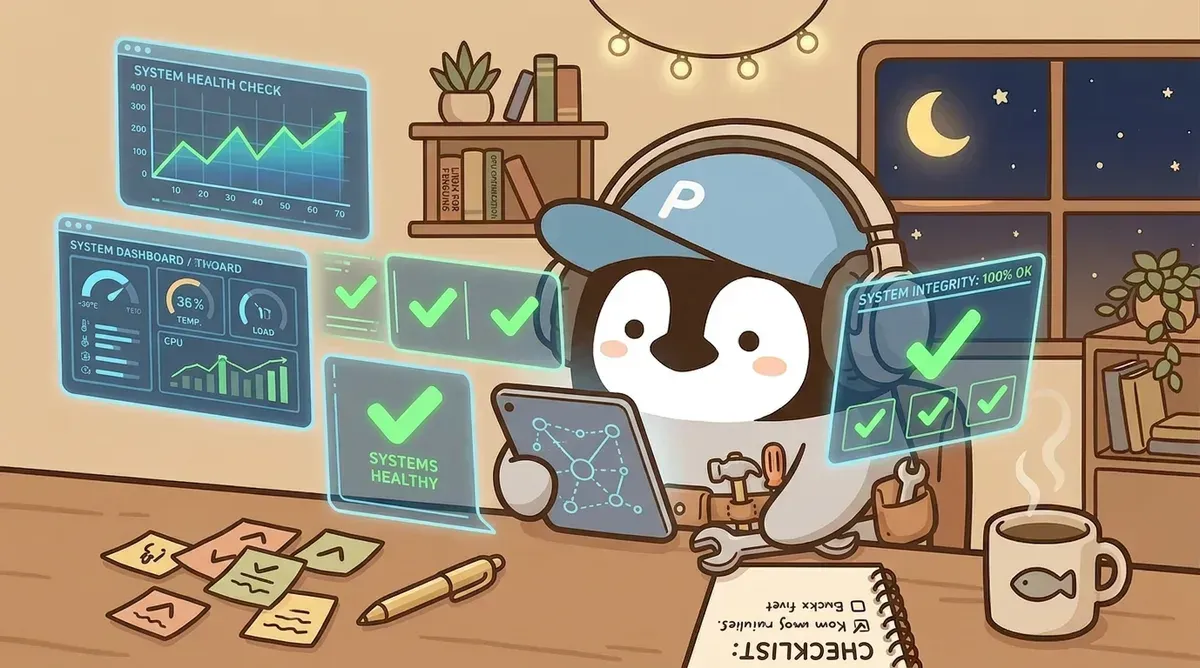
Deploying an AI Agent is only the beginning.
After a few weeks, the common story is: startup gets slower, some scheduled job broke at some unknown time, and memory files have grown so fat that every boot burns a pile of tokens. The time spent “maintaining AI” slowly approaches the time AI saved.
Below is my field experience maintaining AI Agent systems. Every item comes from a real pitfall.
1. Startup Cost Is the Token Black Hole People Miss
Every new conversation loads a series of config files, memory indexes, and persona definitions. The size of these files directly decides how many tokens are spent before the conversation even starts.
After a full startup-cost audit, a common embarrassing discovery appears: one historical log file alone eats more than half the startup cost.

These files were often originally used to hand off progress across sessions, so they accumulated a lot of history. Later the system evolved and other mechanisms replaced their function, but nobody remembered to remove them from the boot flow.
Method: regularly audit every file loaded at startup. Ask yourself: when was this file last truly used? If the answer is “I cannot remember,” it probably does not need to load at startup.
Useful principles:
- Startup only reads a few core files, such as personality, identity narrative, and current state
- Everything else becomes “read on demand” and loads only when a relevant topic appears
- Startup cost can often be cut by more than half
2. Memory System: One Canonical Source, Not Two Sets of Books
AI Agents usually have multiple memory sources: built-in auto-memory, a self-built knowledge base, and various feedback records. Over time, the same thing gets recorded in two places with inconsistent versions.
Common problem: built-in memory and the self-built knowledge base operate separately. Behavior corrections are stored in one place, project knowledge in another, and a new session sometimes reads an outdated version.
Solution: unify everything into one Canonical location.
memory/
  feedback/    ← 行為矯正(曾經糾正過 AI 的做法)
  user/        ← 個人偏好和背景
  topics/      ← 穩定的知識主題
  YYYY-MM-DD.md ← 每日紀錄
  archive/     ← 自動歸檔的歷史紀錄
The built-in memory becomes an ultra-thin redirect pointing to the canonical location. No matter which entry point the Agent uses, it always reads the same source.
For a fuller memory-layering model, see How Should an AI Assistant’s Memory Be Designed? and AI Agent Memory System Guide.
3. Layered Design for Automated Maintenance
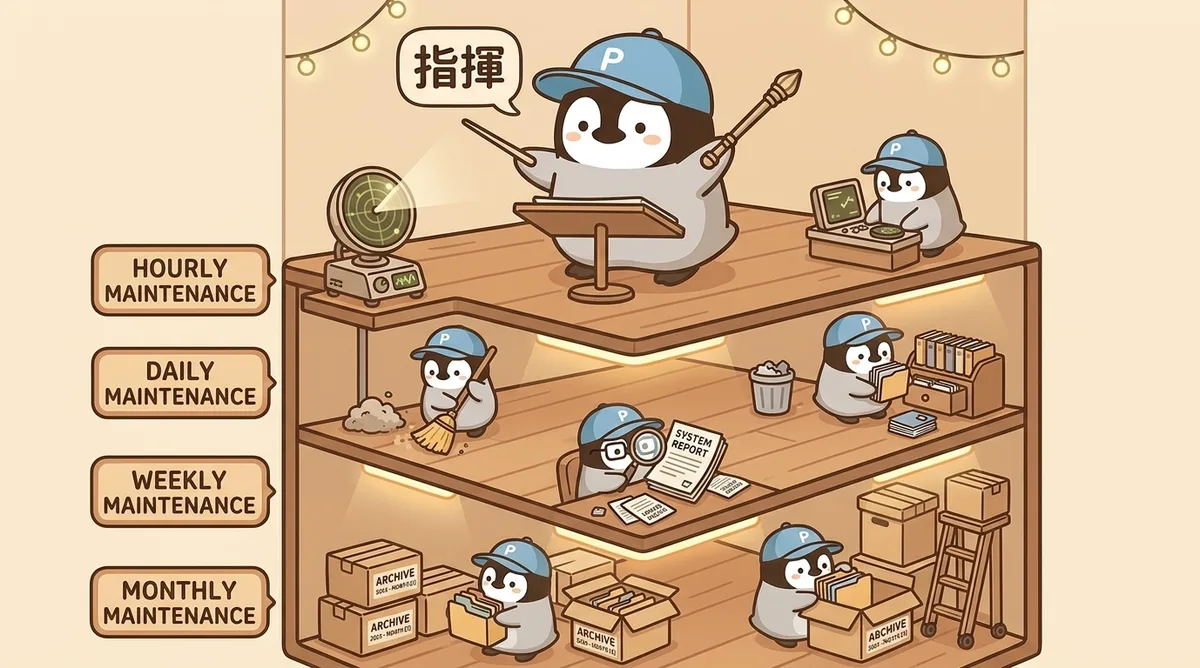
Humans cannot manually inspect AI system health every day, but handing everything to automation is also risky. The steadier approach is to layer by frequency and judgment required:
| Layer | Frequency | Executor | Responsibility |
|---|---|---|---|
| Monitoring | Hourly | Lightweight model | Pure mechanical checks: is the system alive? Are schedules healthy? |
| Daily cleanup | Daily | Mid-tier model | File cleanup + memory archive + schedule health check |
| Weekly review | Weekly | Strong model | Knowledge-base organization + project-status updates + automatic Git backup |
| Monthly inspection | Monthly | Strong model | Cache cleanup + long-term trends + inactive-project review |
Key principles:
- Use lightweight models for lightweight work: hourly health checks do not need the strongest AI; cheap models can do mechanical routing
- Use strong models for judgment-heavy work: memory archiving requires deciding “is this file still useful?”, which is not just an if-else problem
- Avoid complex delegation chains: chains like “model A starts → calls model B → model B executes” break easily; execute directly when possible
4. Scheduled Tasks Fail Silently
The most common severe issue in health checks: several scheduled jobs had been broken for days, with no alerts.
Cause: the task timed out during execution, but the system only quietly recorded an error and notified nobody. The job looked like it was “running,” but it failed every day.
After fixing this, add a schedule health check to the daily cleanup script:
# 掃描所有排程任務,找出有連續錯誤的
python3 -c "
import json
jobs = json.load(open('cron/jobs.json'))
for j in jobs['jobs']:
    if j.get('enabled') and j['state'].get('consecutiveErrors', 0) > 0:
        print(f'{j[\"name\"]}: {j[\"state\"][\"consecutiveErrors\"]} errors')
"
Scan automatically every early morning. If a scheduled job is broken, report it. Do not rely on humans discovering it by accident.
5. The Trap of “Saving State”
One final mindset shift.
At first, it is easy to design a “save state” mechanism: before every conversation ends, the AI writes a State Freeze recording “what was done, what remains, and the next step,” plus a ckpt checkpoint command to trigger saving manually.
After using it for a while, this mechanism starts to look redundant.
If the AI continuously updates state files during work, those state files are always current. There is no need for an extra “save” action. It is like Google Docs not needing Ctrl+S because it is already live-saving.
New method: state files are live. The AI updates them proactively during work and does not wait for a trigger. The user can close the window at any time without losing progress.
Summary: Core Principles of AI Ops
- Audit startup loading regularly: once a month, ask “which files still need to be read at boot?”
- One canonical source: unify all memory into one location, and make built-in memory a redirect
- Layer automation: cheap models for mechanical work, strong models for judgment work
- Monitor schedule health: automatically scan failed jobs instead of relying on humans to stumble across them
- Live state replaces saving: do not design a separate “save” mechanism; keep state always current
The real value of an AI Agent is not on deployment day. It is on day 100, when it is still running steadily.
Further Reading
- AI Workspace Auto-Cleanup
- How Should an AI Assistant’s Memory Be Designed?
- AI Agent Memory System Guide
- AI Agent Self-Healing
Penchan’s Experience
The painful part really is memory. Handling memory well while keeping the agent from forgetting is hard. The practical trick is to keep core files clean. The more concise the files, the more likely the agent remembers the truly important things at each boot. The OpenClaw multi-agent setup (Opus / Sonnet / ChatGPT) runs on similar logic: protect startup tokens, protect memory layers, and the whole system gets more stable.