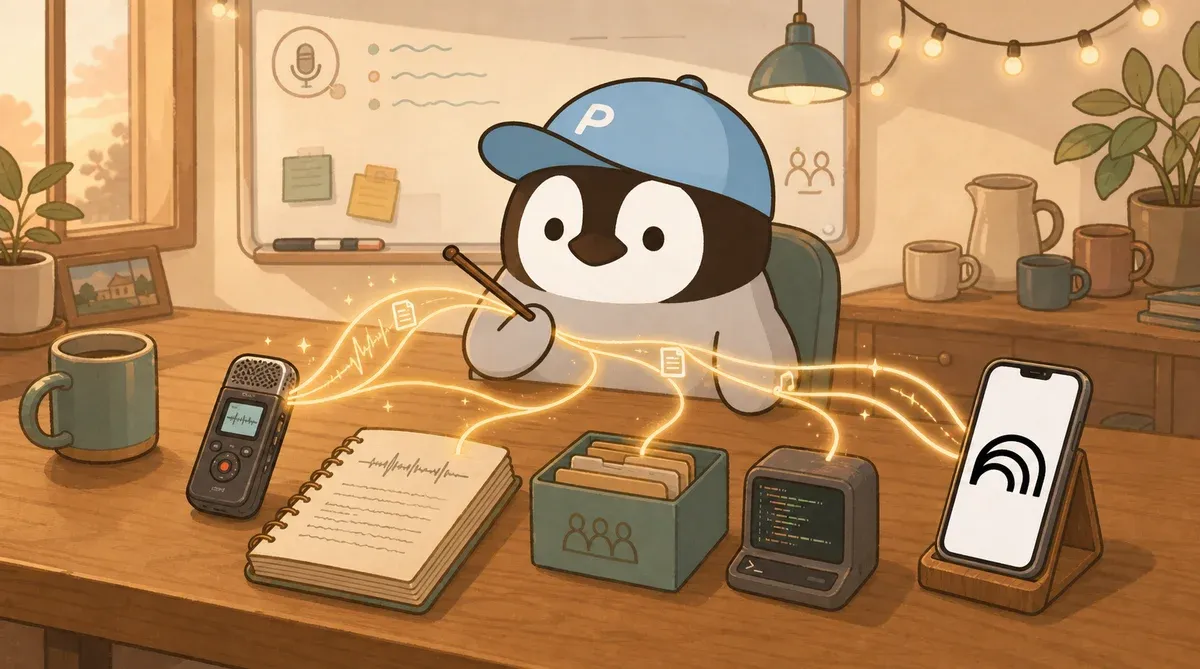
Meeting notes tools fall into three categories
| Category | Examples | Role |
|---|---|---|
| Meeting bot | Otter, Fireflies | Join Zoom / Meet / Teams, transcribe live, build a team meeting library |
| Research / post-meeting organization | Gemini Notebook (formerly NotebookLM) | Treat recordings as sources, then clean up transcripts, summaries, and citations afterward |
| API transcription | OpenAI Speech-to-Text, open-source Whisper | Developers package their own flow; can self-host and integrate into products |
Picking the wrong route wastes more time than picking the wrong tool, so sort this out before you compare tools.
Otter.ai: English meetings and individual / team transcripts
| Item | Details |
|---|---|
| Free | 300 monthly transcription minutes + 3 lifetime audio/video imports |
| Pro | $16.99/user/month |
| Business | $30/user/month (unlimited audio/video imports) |
| Strengths | English live transcription, speaker diarization, meeting search |
| Weaknesses | Chinese support is not as strong as Chinese-first tools |
Best for: English-first online meetings, sales / support teams with heavy online communication.
Fireflies.ai: team meeting library and collaboration
| Item | Details |
|---|---|
| Free | unlimited transcription, 800 mins storage / seat |
| Pro | $10/seat/month (annual billing, 8,000 mins storage, 20 AI credits) |
| Business | $19/seat/month (annual billing, unlimited storage, 30 AI credits) |
| Strengths | Cross-meeting search, CRM integrations, team meeting knowledge base |
| Weaknesses | A bit overkill for solo use |
Best for: sales / support / consulting teams with multiple online meetings every week.
Gemini Notebook: organize the material after recording
| Item | Details |
|---|---|
| Standard | 100 notebooks, 50 sources / notebook, 50 chats/day, 3 audio generations/day |
| Pro | 500 notebooks, 300 sources / notebook, 500 chats/day, 20 audio/day |
| Source limits | 200 MB or 500,000 words per file; poor audio quality may fail to import |
| Strengths | Stable Chinese transcripts, strong citations, multiple Audio Overview formats (Deep Dive / Brief / Critique / Debate), 80+ languages |
| Weaknesses | Not a live bot; you upload after the meeting |
Best for: individuals / Chinese-first workflows / tight budgets / anyone who needs transcripts + summaries + paragraph-level citations.
Whisper / OpenAI: build your own developer workflow
| Form | Details |
|---|---|
| OpenAI Speech-to-Text API | whisper-1, gpt-4o-mini-transcribe, gpt-4o-transcribe, gpt-4o-transcribe-diarize |
| Upload limit | 25 MB, with limited supported formats |
| Pricing (per minute) | Whisper $0.006, gpt-4o-mini-transcribe around $0.003, gpt-4o-transcribe around $0.006 |
| Open-source Whisper | Self-hosted, local, audio never leaves your machine |
| Strengths | Multilingual, customizable, self-hostable |
| Weaknesses | No ready-made SaaS UI, so you need to package the workflow yourself; hallucinations / typos still need human review |
Best for: developers, custom workflows, sensitive content that needs self-hosting.
Be conservative with Chinese, Taiwanese Hokkien, and mixed Chinese-English
Chinese recognition accuracy varies widely across tools because accents, recording quality, and domain-term density all matter. My suggested method:
- Find a representative recording from your normal meetings (5-10 minutes).
- Run the same clip through three tools.
- Decide based on the actual output in your own scenario.
Do not trust cross-product claims like “90% accuracy.” Those numbers come from each vendor’s own test set, and the gap between that and your real meetings is usually huge.
For Taiwanese Hokkien scenarios, the most practical route right now is Jianying / CapCut subtitles, with human proofreading afterward.
Pick a tool at a glance
| Your situation | Recommendation |
|---|---|
| Individual, Chinese-first, budget 0 | iPhone + Gemini Notebook |
| Individual, video / subtitles | iPhone + Gemini Notebook + Jianying / CapCut |
| English team, many online meetings | Otter |
| Cross-team meeting library, CRM integration | Fireflies |
| Sensitive content, must stay local | Open-source Whisper |
| Developer needs customization | OpenAI Speech-to-Text API |