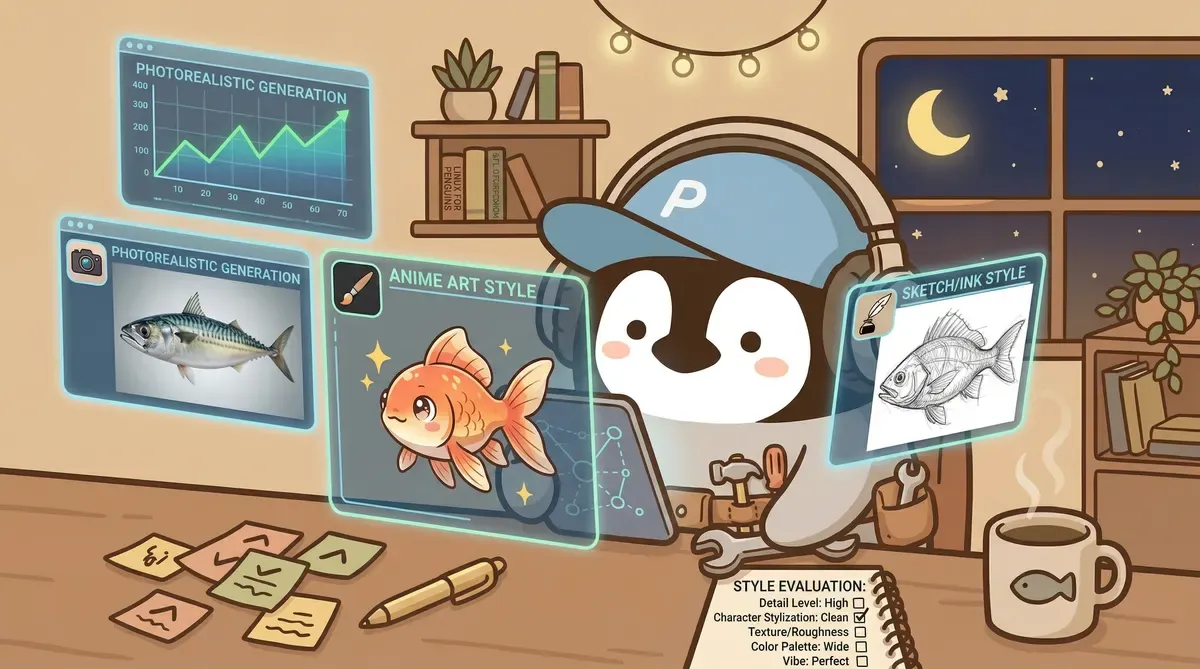
AI image tools have changed quickly over the last two years. Midjourney was the benchmark around 2022, then Gemini and ChatGPT built-in image generation caught up. This article compares the current mainstream options and explains why I moved daily visuals to Gemini.
Midjourney’s Era and Friction
Midjourney’s early Discord interface produced stylized quality that other tools could not match at the time. A few words could generate a recognizable image, and community prompt examples pulled many people in.
But long-term use accumulates friction.
The biggest problem is the interface. Midjourney runs on Discord. To generate images, you open Discord, find the bot, type commands, wait, then use another chain of buttons for variations or upscaling. Just switching around inside Discord costs time.
The second issue is prompt learning curve. Midjourney is sensitive to prompt format. Parameters like --ar 16:9 --style raw must be learned separately. Expert community prompts can be impressive, but reaching that level takes a lot of study.
What Changed After Gemini Took Off
Gemini image generation improved sharply in late 2025. Google launched Nano Banana (Gemini 2.5 Flash Image), then Nano Banana Pro (Gemini 3 Pro Image) in November 2025, and Nano Banana 2 (Gemini 3.1 Flash Image) in February 2026.
The most direct difference for many users is instruction understanding. Things that require a long Midjourney parameter string can be expressed to Gemini in natural language. “Draw a penguin sitting in front of a laptop, colored pencil style, warm tone, 16:9 banner” works without memorizing parameters or opening Discord.

In quality, Gemini has caught up to Midjourney in photorealism, and in some scenes it is better. Midjourney still leads in artistic style variety, especially strongly stylized illustration and concept art.
Deep Comparison of the Three Tools
Midjourney
Strengths:
- Strongest stylization; can produce highly recognizable art styles
- Mature community ecosystem with lots of prompt examples
- Latest versions improved hands and facial details a lot
Weaknesses:
- Discord interface slows down work
- Prompt format is its own system and has a steep learning curve
- Best results still require English prompts
Best for: illustration, concept art, social visuals, and highly stylized scenes. If the image itself needs personality, the latest Midjourney is still a top choice.
Pricing: Basic $10/month (200 images) to Pro $60/month (unlimited fast generations). Check official pricing for current details.
Gemini (Powered by Nano Banana Pro / Nano Banana 2)
Strengths:
- Best natural-language understanding; no parameter syntax required
- High-quality photorealism and fast generation
- Free quota is enough for many users
- Handles local-language prompts well
- All generated images include SynthID watermarking, useful for provenance
Weaknesses:
- Less style variety than Midjourney
- Occasionally refuses generation because safety filters are strict
- Character consistency for specific recurring roles is not fully stable
Best for: blog images, presentation illustrations, product concept visuals, and any scenario where you need a decent image quickly.
Pricing: Free tier includes daily quota. Google AI Plus / Pro subscriptions unlock higher quota and newer models. See Gemini Free vs Pro for details.
ChatGPT Built-In Image Generation (GPT Image 2.0)
Strengths:
- Fully integrated with ChatGPT; easiest conversational image generation
- Best text rendering among the three, although still imperfect
- No extra tool needed; generate inside the ChatGPT conversation
Weaknesses:
- Overall quality trails the first two
- Style tends toward a clean “ChatGPT-ish” cartoon look
- Weakest detail control
Best for: people already using ChatGPT who need a quick image but do not have high quality requirements.
Pricing: Included in ChatGPT Free or Plus $20/month.
What About Stable Diffusion and Canva AI?
Stable Diffusion is for people with a GPU and time to set up an environment. It is fully free and can be fine-tuned, but the technical barrier is high. For content creators without development background, the upfront cost is usually not worth it.
Canva AI is primarily a design-template and layout product; AI image generation is not its strength. In testing, it produced strange gradients and broken human proportions. Canva is still useful for design, but for AI image generation, I would use Gemini separately.
One Table to Choose
| Situation | Recommended tool |
|---|---|
| Blog / social images, efficiency matters | Gemini (Nano Banana Pro / Nano Banana 2) |
| Illustration, concept art, strong style | Latest Midjourney |
| Already using ChatGPT and only occasionally need images | ChatGPT built-in image generation (GPT Image 2.0) |
| Technical background, need heavy customization | Stable Diffusion |
| Designing in Canva and curious about AI images | Use Gemini separately |
Penchan’s Take
My first AI image tool was early Midjourney on Discord. At the time, Midjourney’s stylized quality was far ahead of everything else, and it was the easiest choice.
I also tried Canva’s AI image generation for a while. The gradients were poor, and human proportions often broke, so I moved away from it. Canva’s templates and layout tools are still useful; AI image generation is not its main job.
After switching daily image work to Gemini, the most obvious difference was instruction following. Images generate quickly, quality is good enough, and I can upload reference images to keep brand character consistency. Those points add up and noticeably reduce daily image-production time.
I still return to Midjourney for stylized illustration. Gemini’s variety is not yet at Midjourney’s “recognizable at a glance” artistic level.
For most content creators, image generation is a supporting role, not the main content. Time should go into the content itself, not into studying Midjourney parameter syntax inside Discord. Under that premise, Gemini is the priority choice in 2026. If you are a designer or run an AI art account where the image itself is the content, Midjourney’s stylization is still hard to replace.
Further Reading
This article introduces AI tool features and compares subscription plans. It does not involve securities or investment advice. Actual pricing should be checked against official platform pages; this information may become outdated.
— Penchan