
Gemini emphasizes image generation and the Google ecosystem, while ChatGPT emphasizes plugin breadth and natural voice. They are less an either-or choice than a pair to combine by use case.
Feature comparison
Here is a snapshot of the primary models on the free tiers. Check the official pages for the latest specifications.
| Feature | Gemini Flash | Primary ChatGPT model |
|---|---|---|
| Text chat | Good and concise, but eager to please | Very good, but verbose |
| Image generation | Excellent (Nano Banana 2) | Good (ChatGPT Images) |
| Image recognition | Good | Good |
| Search integration | Native Google | ChatGPT web search |
| Plugin ecosystem | Small | Extensive (GPTs Store) |
| Voice conversation | Available (Gemini Live) | Available, with a better experience |
| Long context | Long | Long |
| Code | Good, with agentic and coding improvements | Good (Codex integration) |
| Google Workspace integration | Native | None |
ChatGPT wins on feature count. Its plugin ecosystem is more complete, and the GPTs Store offers customized versions for almost any use case. Gemini trails here.
Gemini wins in image generation and Google ecosystem integration. For heavy Google Workspace users, its native presence in Gmail, Docs, and Sheets is something ChatGPT cannot match.
ChatGPT offers a more complete data-analysis and Codex workflow: it can run Python, create charts, and process data. The latest Flash generation emphasizes agentic coding, however, so the gap is narrowing.
Chinese support
ChatGPT’s Chinese is natural and flexible in tone. It occasionally slips into translated phrasing, but not often enough to be a major problem.
Gemini’s Chinese text chat is usable and tends to be concise. The problem is elsewhere: image generation frequently rejects Chinese prompts. A harmless prompt such as “a penguin working in a coffee shop” may fail in Chinese and work immediately in English. New features also tend to launch in English first, leaving localized interfaces without them for a while.
Image generation comparison
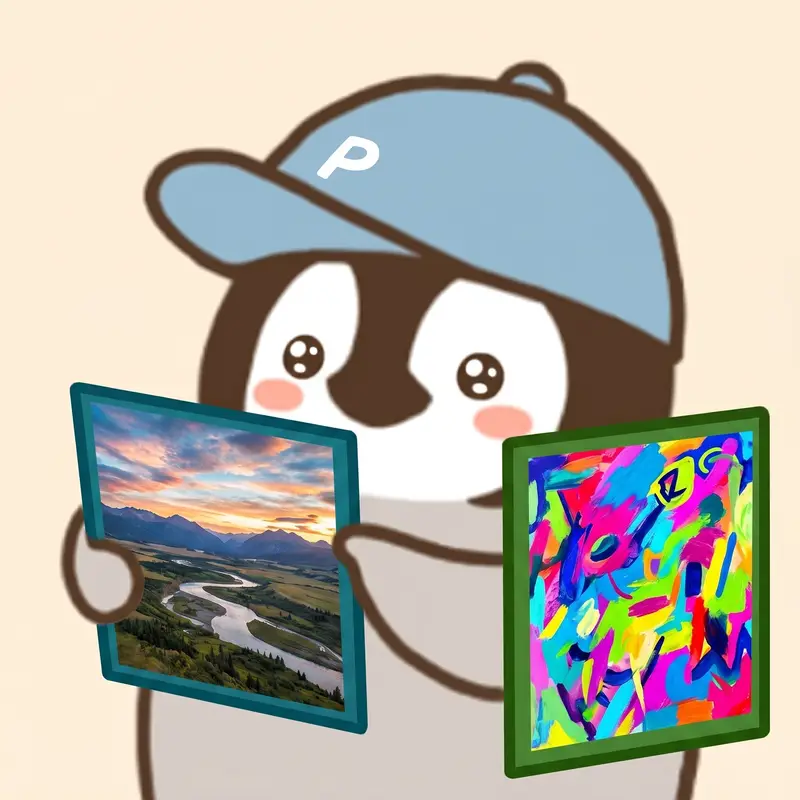
Gemini leads in image quality, its clearest advantage over ChatGPT.
Style consistency is the biggest strength. Generate a series in one session and Gemini tends to preserve the style automatically, which works well for a week of coordinated social visuals. Three consecutive ChatGPT images are more likely to look as though three different artists made them.
Speed also favors Gemini: roughly 3–5 seconds versus 8–15 seconds for ChatGPT. The difference becomes substantial in batches.
Edit instructions work similarly on both. Gemini sometimes changes unrelated elements while making one edit; ChatGPT is slightly better at keeping everything else unchanged.
Images of people are an important distinction. Gemini is conservative about prompts involving real people and often refuses them, while ChatGPT’s threshold is lower. Choose ChatGPT when people are central to the request.
A practical workflow: Gemini for everyday visuals, ChatGPT for people, and Nano Banana 2 for detailed refinements.
Pricing comparison
Free tiers: Gemini includes its primary Flash model, Nano Banana 2 image generation, Gemini Live voice, and Deep Research. ChatGPT Free offers unlimited text conversations, with usage caps on images and advanced tools.
Paid tiers:
| Plan | Monthly price | Highlights |
|---|---|---|
| Gemini AI Plus | US$4.99 | Lowest-cost paid entry, video generation, Flow credits, 400 GB |
| ChatGPT Go | US$8 | Includes ads, with higher image and tool limits |
| Gemini AI Pro | US$19.99 | Flagship Flash, Jules coding assistant, 5 TB |
| ChatGPT Plus | US$20 | Search, images, voice, GPTs, and data analysis |
| Gemini AI Ultra | US$99.99–199.99 | 5x or 20x usage tiers |
| ChatGPT Pro | US$100–200 | Flagship Astra model |
For people who already need Google One, AI Plus can feel like a nearly free AI upgrade. Choose Gemini for image generation and Google integration; choose ChatGPT Plus for plugins and Chinese-language work.
Voice conversation comparison
ChatGPT wins decisively. Its voice changes emotion and tone with the content, allows interruptions, and feels like talking to a quick-thinking friend. Gemini sounds flatter, more like a script being read aloud. For voice use while driving or exercising, ChatGPT’s lead is even larger than Gemini’s advantage in images.
Search comparison
Gemini uses native Google Search, providing reliable results that integrate directly into the conversation. ChatGPT’s web search is not necessarily better than Google, but its responses feel as though it has read and synthesized the sources instead of merely listing results.
For formal research, Perplexity is more specialized. Between these two, Gemini still benefits from Google’s search foundation.
Recommendations by use case

- Primarily creating visuals: Gemini. It leads in quality, speed, and style consistency.
- One all-purpose assistant: ChatGPT. It has the broadest coverage, strong language support, and more plugins.
- Heavy Google Workspace use: Gemini, as a natural extension of Google’s suite.
- Voice interaction: ChatGPT, for much more natural delivery.
- Limited budget: use both free tiers—ChatGPT for text and Gemini for visuals.
- Data analysis: ChatGPT, which can run Python, process data, and create charts directly.
Penchan’s experience
I pay for both because their roles barely overlap: Gemini produces everyday visuals, while ChatGPT handles ideation, discussion, and data analysis. Gemini has more restrictions, and Chinese image prompts often require an extra workaround. For long-form writing and core work, I use Claude instead; see Claude vs ChatGPT for details.
Further reading: Gemini Free vs Google AI Pro · AI image tool comparison
USD prices are official list prices. Actual charges and features are subject to each provider’s latest announcements and regional checkout pages.