為什麼要把功能拆成六塊看
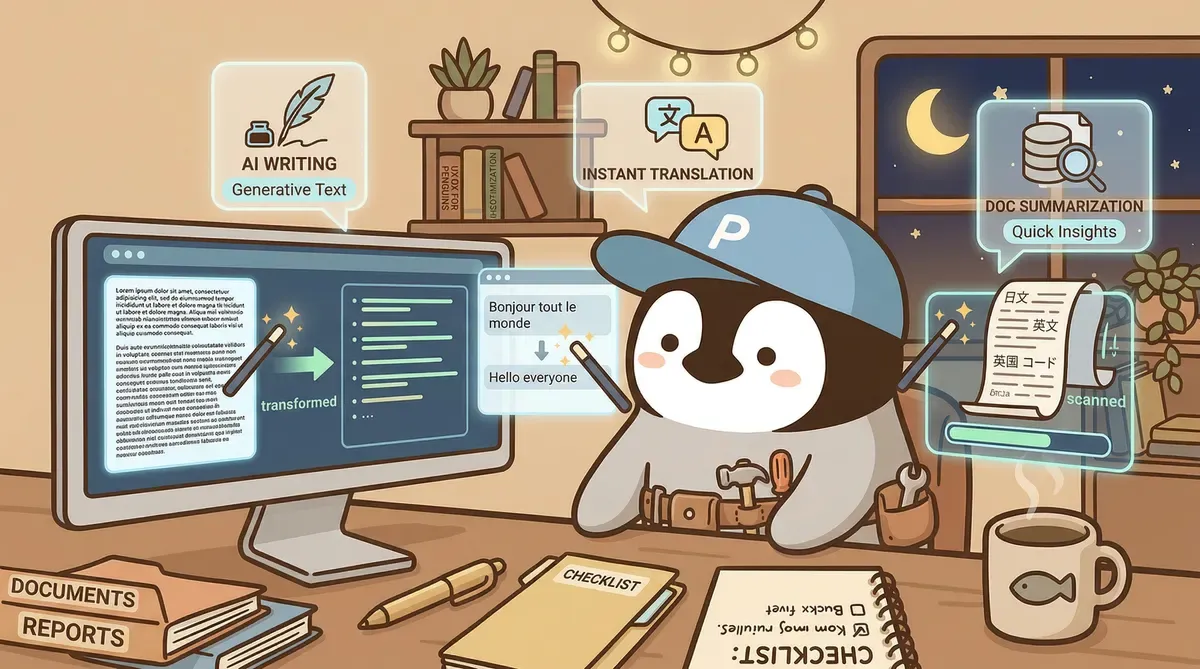
直接看 Notion 官方 pricing 頁會發現,AI 在 Notion 的形態是一組產品,而不是單一功能。早期那種「在頁面裡按一下產一段」的單點功能,現在被歸進 Notion AI Core;Meeting Notes、Research mode、Enterprise Search、Notion Agent、Custom Agents 各自有自己的權限、額度與 use case。把這六個區塊分開看,才不會被「AI 看起來都包」誤導。
① Notion AI Core:頁面內生成、改寫、翻譯
最基礎的功能,所有方案都看得到(Free / Plus 是 Limited Trial)。
操作入口:
- 空白頁按
space:呼叫 AI 起草。 - 選取段落 → 浮動工具列 → AI Edit / Translate / Summarize。
/aislash command:直接挑 action(Continue writing、Improve writing、Fix spelling、Translate、Summarize)。
適合場景:起草段落、改語氣、整理會議筆記、翻譯短文。
注意:對結構鬆散的長文,摘要會錯抓重點。先加 heading、條列,再讓它摘,準確度差很多。
② AI Meeting Notes:錄音、逐字稿、摘要、後續行動
把錄音或會議直播交給 Notion,產出逐字稿、結構化摘要、跟著的行動清單,全部留在 Notion 頁面裡。
適合的團隊:每週開很多會、行動分派又依賴 Notion 工單的場景。
注意:Free / Plus 是 trial 性質,密集會議錄音會撞上限;Business 才把這項列為包含的功能。
③ Research mode(beta):詳細報告型輸出
Research mode 會同時讀 workspace 內容、connected tools 與當下網路資訊,產出長篇報告。比起 Notion AI Core 的單段生成,這項是「一次出 8 段報告」的形態。
適合場景:競品研究、客戶背景整理、產業 mini-report。
注意:beta 期還在調整,不要拿來生對外文件不檢查。引用來源仍要人工驗,「有 citation 不等於正確」是所有 AI 搜尋產品共通的紅線。
④ Enterprise Search:跨 Notion + 連線 app 的內部問答
Notion AI 在 2026 真正拉開差距的功能。
可連線資料源(Notion 官方 Help 列出,常見的有):
- Slack
- Microsoft Teams
- Google Drive
- Jira
- GitHub
- Gmail / Google Calendar
- Microsoft Outlook
- Box / OneDrive / SharePoint
- Linear / Asana / Salesforce / Zendesk
部分 connector 仍在 beta,實際可用清單以 Notion Help Center 當下版本為準。
回答附 source citation。對知識散在多個工具的團隊,等於把「同事在 Slack 講過、文件放在 Drive、ticket 在 Jira」這種跨平台問題收進一個對話框。
幾個要先知道的限制:
- Business / Enterprise only:Free 與 Plus 沒有。
- 依模型選擇影響行為:選某些模型時可能只用網路資訊,不讀 workspace / connected app。配置時要驗。
- Citation 仍需人工核對:查到的內容需要驗證,特別是與決策相關的回答。
⑤ Notion Agent:完成多步驟任務
從「一次性生成」走到「能完成連續動作」。Notion Agent 可以根據 workspace、連線 app 與網路 context 跑像「掃過 Jira epics / Slack 討論 / Drive 文件 → 起草本季 OKR 或啟動計畫 → 寫進對應 Notion 頁面或 database → 寄信、設行事曆會前會請負責人確認」這類多步驟工作。
注意:Notion Agent 目前不支援自動在 Notion comment 留言這類動作,遇到需要留言的步驟仍要人工處理。
適合場景:固定流程、可以容忍最後人工 review 的內部運維、客服跟單、週報整理。
紅線:對「不可逆動作」(送出對外信、刪除資料、自動匯款)保留人工最後一道核可,先看 audit log 再放權限。
⑥ Custom Agents:團隊自己長出來的 Agent
Notion 3.3 啟用,3.4 part 2 強化調校介面。Custom Agents 讓 Business / Enterprise 團隊用觸發、排程、來源權限做自己版本的 Agent,例如:
- 每天早上 9:00 巡邏 / 撈昨日 issue → 摘要 → 留 Slack 訊息。
- 每週一下午整理上週客戶提問 → 寫進 FAQ database。
- 收到新訂單就自動歸類進產品 / 渠道 / 客群維度。
注意:Custom Agents 自 2026-05-04 起改用 Notion credits 計費($10 / 1,000 credits,Business / Enterprise add-on)。要事先估流量,不然會驚訝。
Free / Plus / Business 對照表
| 功能 | Free | Plus | Business |
|---|---|---|---|
| Notion AI Core(生成、摘要、翻譯) | Limited Trial | Limited Trial | 包含 |
| AI Meeting Notes | Limited Trial | Limited Trial | 包含 |
| Research mode(beta) | Limited Trial | Limited Trial | 包含 |
| Notion Agent | Limited Trial | Limited Trial | 包含 |
| Enterprise Search beta | ✗ | ✗ | 包含 |
| Custom Agents | ✗ | ✗ | 需 Notion credits(Business / Enterprise add-on,$10 / 1,000 credits) |
| Premium integrations | ✗ | ✗ | 包含 |
| AI 資料保留 | 30 天 | 30 天 | 30 天 |
| 與 LLM provider zero data retention | ✗ | ✗ | Enterprise |
| Page history | 7 天 | 30 天 | 90 天 |
| 檔案上傳 | 5 MB / 檔 | unlimited(最大 5 GB / 檔) | unlimited(最大 5 GB / 檔) |
實際以官方 pricing 頁為準。
結論:什麼人不需要 Notion AI
- 資料主體完全不在 Notion 又落在「Notion 連不到」的地方(如本機資料夾、未支援的工具),先把資料整合再考慮升級。如果資料在 Slack / Drive / Jira / GitHub / Gmail 這些 Business 級 Connectors 已支援的工具上,反而可以直接評估升 Business + 開 Enterprise Search 對應自己的工作流。
- 只是想要一個聰明寫作助手 → ChatGPT 教學、Claude AI 教學、Gemini 完整教學 都更直接。
- 在意本機 Markdown 所有權 → Notion 不是這類工具,看 Notion AI vs Obsidian vs Logseq 比較。
- 想拿 Custom Agents 跑不可逆動作,但又沒準備好 audit log 和審核流程 → 緩一緩。
Notion AI 的價值不在功能多,而在「能讀 workspace」。資料在 Notion 內,Business 才是完整版的起點。資料在外面,要的是別的工具。